












Launch proven flows in minutes
Pre-built templates and ready-to-run use cases for email, SMS & WhatsApp. Start simple, scale when ready.







We couldn't find any items matching your current filters. Try adjusting your criteria or clearing all filters.
Marketing
Marketing
Sales
Product
Support


Design multichannel campaign
Create email, SMS, and push campaigns that work together seamlessly.

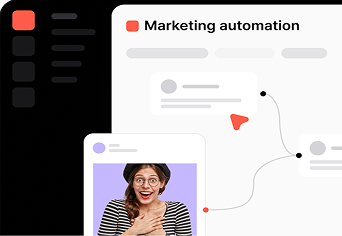
Automate workflows
Save time with intelligent automation that handles repetitive tasks.

Personalize journeys
Deliver tailored experiences based on behavior and preferences.

Access reliable data
Make decisions with clear analytics and actionable insights.
Score leads to prioritize the best opportunities.
Focus your energy on the prospects most likely to convert.
Automate lead nurturing to focus on the hottest opportunities.
Keep leads warm with automated sequences that feel personal.
Align with marketing to convert qualified leads.
Work from the same data so no opportunity slips through the cracks.
Predict revenue and shorten sales cycles.
Get a clear view of your pipeline and close deals faster.
Analyse user behaviour to improve engagement.
See exactly where users drop off — and why.
Guide onboarding to improve adoption rates.
Create in-app flows that help new users get to value faster.
Identify churn risks to take relevant actions.
Spot disengaged users early and trigger the right response.
Collect feedback to make better product decisions.
Run surveys and gather insights directly from your users.
Centralize client communications to answer faster.
Bring every conversation into one shared workspace. No more missed messages.
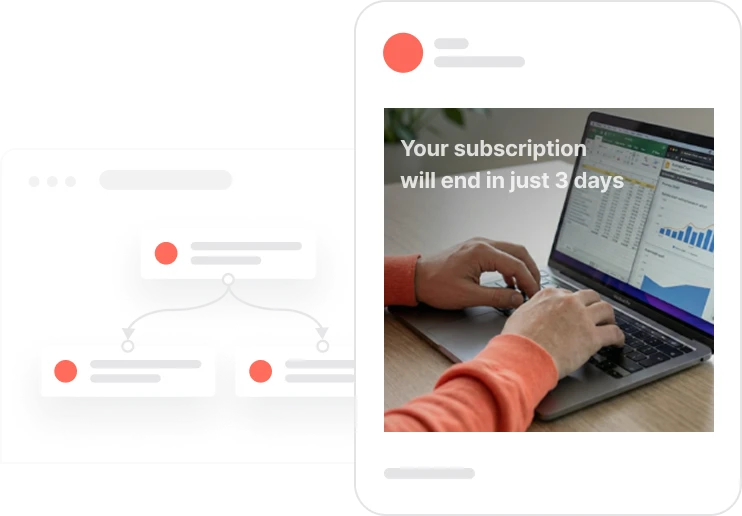
Automate updates to keep customers informed.
Send timely, relevant updates without manual effort.
Personalize responses to build stronger relationships.
Use customer data to reply with context, not just answers.
Measure satisfaction to improve service quality.
Track CSAT and response times to keep your team sharp.
From use case to live automation
You've seen what's possible. Now build your own automation, without the guesswork. Connect your channels, set up your first workflow, and start sending the right message at the right moment. No developer needed.

Frequently Asked Questions
What is the ready-made automation library for?
Building a complete marketing automation workflow from scratch can be a real challenge: figuring out what data you need to fire your triggers, designing each step, adding safeguards, getting the timing right… We make it easier by giving you ready-made automations you can use straight away.
Can I use these workflows without any technical skills?
Yes. Every automation is designed to be launched in just a few clicks inside the platform. No code required.
Do the automations work for every industry?
Yes. Each automation is adaptable to your sector and your goals. Whether that's conversion, retention, reactivation, or upsell.
Can I customize an existing use case for my business?
Absolutely. Every workflow is a starting point. You can edit the triggers, the channels (email, SMS, push) and the conditions to match your audience and your data.