















Reward double opt-in with a discount
Compliant two-step opt-ins that deliver an instant discount and lift confirmation rates.
Ensure consistent sales follow-up by automatically assigning the right task to each agent at every deal stage.
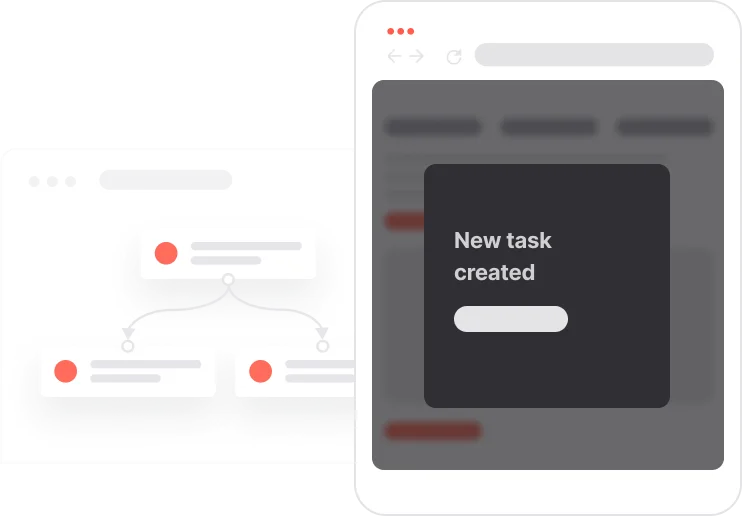
A deal stuck in a pipeline stage is often not a bad deal. It is a forgotten one. When sales agents have to manually create their own to-dos at each stage, things slip. Follow-ups get missed, proposals go unanswered, and closings get delayed. This use case removes that risk entirely. Every time a deal moves to a new pipeline stage, the right task is created automatically for the deal owner, with the right subject line and the right timing. Agents always know their next step. The pipeline keeps moving. And revenue becomes more predictable.

A deal moves from one stage to the next in the Leads pipeline. The moment that stage change is detected, the system creates a task for the deal owner without any human input. Each task has a clear subject line tied to the logic of that stage: schedule a call, follow up on a proposal, prepare contract terms, or send the final agreement. The agent opens their task list and sees exactly what to do next. No guesswork, no gaps, no deals quietly dying in the pipeline. Every opportunity stays active from first contact to closed deal.
Deal enters the Started stage: When a deal moves from New Lead to Started, the system automatically creates a task for the deal owner with the subject: Schedule Discovery Call.
Deal moves to the Offer Sent stage: When the deal progresses to Offer Sent, a new task is created for the deal owner with the subject: Follow up on Proposal.
Deal reaches the Negotiations stage: As soon as the deal enters Negotiations, the system assigns a task to the deal owner with the subject: Prepare counter-offer and contract terms.
Deal advances to the Final Step stage: When the deal moves to Final Step, the system creates a last task for the deal owner with the subject: Send Final Agreement for Signature.
This workflow uses one module: Automations. Here's everything you need to get started.
Marketing on a new level with a beautiful visual, drag & drop creator.
Track sales opportunities and manage your pipeline efficiently.
Trusted by fast-growing teamsStart from a proven use case designed to help you engage faster, with relevance and impact.
More ways to engage your audienceCompliant two-step opt-ins that deliver an instant discount and lift confirmation rates.
In-app messages that surface new features the moment mobile users open the app.
Automated deal and task creation that puts sales on every expired subscription within days.