














Reward double opt-in with a discount
Compliant two-step opt-ins that deliver an instant discount and lift confirmation rates.
Keep your subscriber data accurate and compliant, automatically.
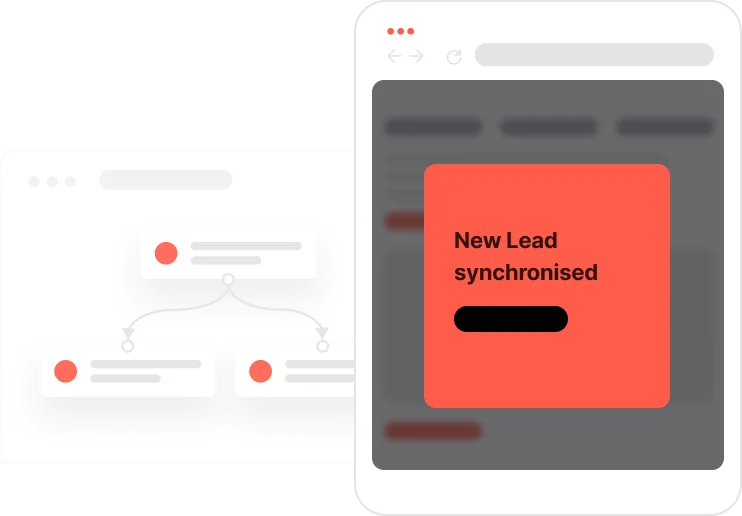
Every marketing system depends on accurate consent data. When someone subscribes, every relevant attribute and list needs to update immediately. When someone unsubscribes, the same applies in the other direction. Without automation, these updates rely on manual processes, integrations, or scheduled jobs that can fall out of sync. This use case puts it on autopilot. The moment any consent-related attribute changes, a set of cascading updates fires automatically: the unsubscribe flag is set, the newsletter list is adjusted, and the change is logged as an event for full traceability. Sender reputation, compliance, and data consistency are all protected in real time.

A contact fills in a sign-up form and their Consent email attribute is set to TRUE. The automation fires immediately: Unsubscribed from emails is set to FALSE, the contact is added to the Newsletter list, and a Consent email change event is logged with the value TRUE. That contact can now receive emails. Three months later, they click an unsubscribe link. The Unsubscribed from emails attribute flips to TRUE. The system catches this change and updates Consent email to FALSE to keep both attributes in sync. A second automation detects the change to Consent email = FALSE, removes the contact from the Newsletter list, and logs both a Newsletter unsubscribe event and a Consent email change event. Every step is recorded. The data is consistent. No one receives an email they did not consent to.
When the contact gives email consent: When Consent email is set to TRUE, the system automatically sets Unsubscribed from emails to FALSE, adds the contact to the Newsletter list, and creates a Consent email change event with the value TRUE. This confirms the consent and activates the contact for email communication.
When the contact unsubscribes: When Unsubscribed from emails changes to TRUE, the system immediately updates Consent email to FALSE. This ensures both attributes stay consistent and that no further marketing emails are sent to this contact.
When email consent is revoked: When Consent email changes to FALSE, the system removes the contact from the Newsletter list and logs two events: Newsletter unsubscribe and Consent email change with the value FALSE. This ensures full traceability of the consent change and keeps records accurate.
Implementing use case automation involves several key steps and tools. Here's a comprehensive ressources to get you started:
Marketing on a new level with a beautiful visual, drag & drop creator.
A contact attribute is a data field stored on the contact's profile, used for segmentation, personalization, reporting, and automation.
An event tracks a specific action performed by a contact. Both events below are critical for compliance audit trails.
A list is a flexible group of contacts that can be managed independently of segment rules.
Use API calls to push consent changes to external systems such as your CRM, data warehouse, or email service provider in real time.
Trusted by fast-growing teamsStart from a proven use case designed to help you engage faster, with relevance and impact.
More ways to engage your audienceCompliant two-step opt-ins that deliver an instant discount and lift confirmation rates.
In-app messages that surface new features the moment mobile users open the app.
Automated deal and task creation that puts sales on every expired subscription within days.