

Email
Email
On site
On site
Thank you! Your submission has been received!
Oops! Something went wrong while submitting the form.

Exit Intent Lead Magnet

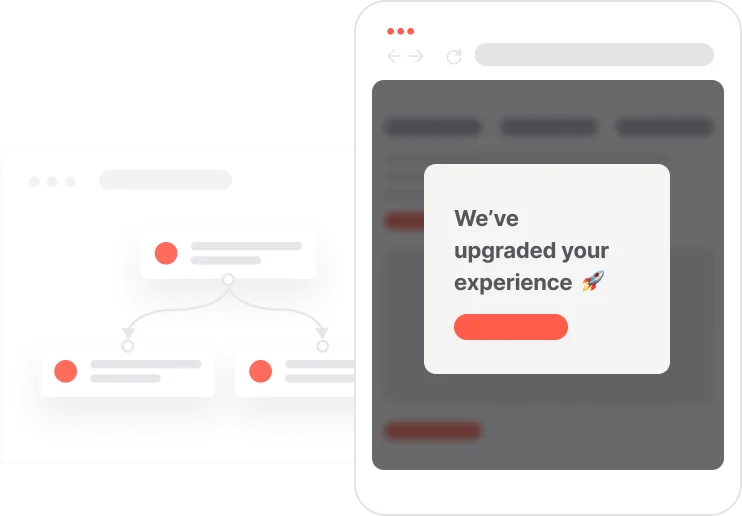
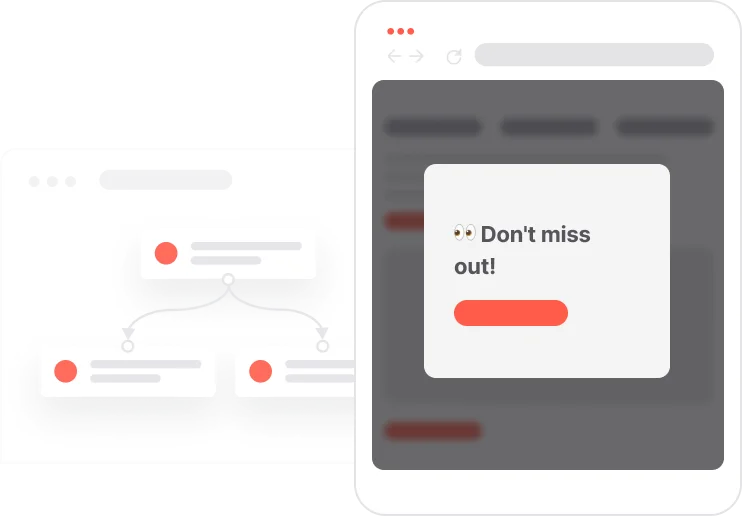
Capture anonymous visitors just before they leave and convert them into qualified email subscribers using exit-intent pop-ups and automated consent handling.
Objectifs
Acquire more customers more efficiently
Improve conversion and sales
Nurture prospects
Secteurs
Thank you! Your submission has been received!
Oops! Something went wrong while submitting the form.
Thank you! Your submission has been received!
Oops! Something went wrong while submitting the form.
Thank you! Your submission has been received!
Oops! Something went wrong while submitting the form.
Thank you! Your submission has been received!
Oops! Something went wrong while submitting the form.
Thank you! Your submission has been received!
Oops! Something went wrong while submitting the form.
Thank you! Your submission has been received!
Oops! Something went wrong while submitting the form.
Thank you! Your submission has been received!
Oops! Something went wrong while submitting the form.
Thank you! Your submission has been received!
Oops! Something went wrong while submitting the form.
Thank you! Your submission has been received!
Oops! Something went wrong while submitting the form.
Thank you! Your submission has been received!
Oops! Something went wrong while submitting the form.
Thank you! Your submission has been received!
Oops! Something went wrong while submitting the form.
Thank you! Your submission has been received!
Oops! Something went wrong while submitting the form.
Thank you! Your submission has been received!
Oops! Something went wrong while submitting the form.
Thank you! Your submission has been received!
Oops! Something went wrong while submitting the form.
Thank you! Your submission has been received!
Oops! Something went wrong while submitting the form.
Thank you! Your submission has been received!
Oops! Something went wrong while submitting the form.
Thank you! Your submission has been received!
Oops! Something went wrong while submitting the form.
Thank you! Your submission has been received!
Oops! Something went wrong while submitting the form.
Thank you! Your submission has been received!
Oops! Something went wrong while submitting the form.
Thank you! Your submission has been received!
Oops! Something went wrong while submitting the form.
Thank you! Your submission has been received!
Oops! Something went wrong while submitting the form.
Thank you! Your submission has been received!
Oops! Something went wrong while submitting the form.
Balises
Thank you! Your submission has been received!
Oops! Something went wrong while submitting the form.
Thank you! Your submission has been received!
Oops! Something went wrong while submitting the form.
Thank you! Your submission has been received!
Oops! Something went wrong while submitting the form.
Thank you! Your submission has been received!
Oops! Something went wrong while submitting the form.
Thank you! Your submission has been received!
Oops! Something went wrong while submitting the form.

Descriptif

This use case enables you to recover leaving visitors by triggering a targeted exit-intent pop-up that offers a valuable lead magnet. Anonymous contacts are smoothly guided into subscribing, with automated consent checks and double opt-in flows ensuring compliance and high deliverability. By delivering the promised asset immediately after confirmation, you build trust and encourage long-term engagement. The system also applies capping to avoid overexposure, ensuring the pop-up is shown only when most effective. This creates a reliable, conversion-focused acquisition mechanism for consistent list growth.

Effort d'implémentation

Impact sur un objectif

Assets

No items found.
Outcome
Higher lead capture rates
Increased newsletter subscription growth
Improved email engagement and deliverability

Scénario utilisateur détaillé

A visitor browses the website and triggers an exit-intent signal when moving the cursor outside the viewport. If the contact is not yet capped and remains anonymous, the system displays a pop-up offering a lead magnet. Upon submission, the system checks the contact’s email consent status and either sends the lead magnet directly or initiates a compliant double opt-in flow. Once the contact confirms their subscription, the lead magnet email is delivered automatically and key tracking events are recorded. All interactions are stored as events for transparent reporting and future segmentation.

Étape par étape

  • 1
    Exit-intent detection and eligibility check: When the contact moves the cursor outside the viewport, the Exit intent event fires. The system verifies that the visitor is not in the Capping pop-up segment and is an anonymous contact with no Email attribute.
  • 2
    Pop-up display and capture: The exit-intent pop-up appears, offering a lead magnet. Upon showing, the system creates the Capping pop-up event and adds the contact to the capping segment. When the contact submits the pop-up, the Pop-up submit event is created with attributes such as name and email.
  • 3
    Consent verification and immediate delivery path: If Consent email = TRUE, the system directly sends the lead magnet email and logs the Lead magnet sent event.
  • 4
    Double opt-in flow for contacts without consent: If consent is missing, the system sets Unsubscribed from emails to FALSE and sends a double opt-in email containing a confirmation link with the parameter opt-in-magnet-exit-intent=true.
  • 5
    Confirmation and final delivery: When the contact clicks the confirmation link, the system checks consent again. If still FALSE, it updates Consent email to TRUE, delivers the lead magnet email, and creates the Lead magnet sent and Newsletter subscription events.

Detail user scenario

Step-by-step

  • 1
    Exit-intent detection and eligibility check: When the contact moves the cursor outside the viewport, the Exit intent event fires. The system verifies that the visitor is not in the Capping pop-up segment and is an anonymous contact with no Email attribute.
  • 2
    Pop-up display and capture: The exit-intent pop-up appears, offering a lead magnet. Upon showing, the system creates the Capping pop-up event and adds the contact to the capping segment. When the contact submits the pop-up, the Pop-up submit event is created with attributes such as name and email.
  • 3
    Consent verification and immediate delivery path: If Consent email = TRUE, the system directly sends the lead magnet email and logs the Lead magnet sent event.
  • 4
    Double opt-in flow for contacts without consent: If consent is missing, the system sets Unsubscribed from emails to FALSE and sends a double opt-in email containing a confirmation link with the parameter opt-in-magnet-exit-intent=true.
  • 5
    Confirmation and final delivery: When the contact clicks the confirmation link, the system checks consent again. If still FALSE, it updates Consent email to TRUE, delivers the lead magnet email, and creates the Lead magnet sent and Newsletter subscription events.

Comment le mettre en œuvre ?

La mise en œuvre de l'automatisation des cas d'utilisation implique plusieurs étapes et outils clés. Voici des ressources complètes pour vous aider à démarrer :

Modules d'occasion

Pop-Ups

Collect information from your visitors and navigate them on the website.

SMS Messages

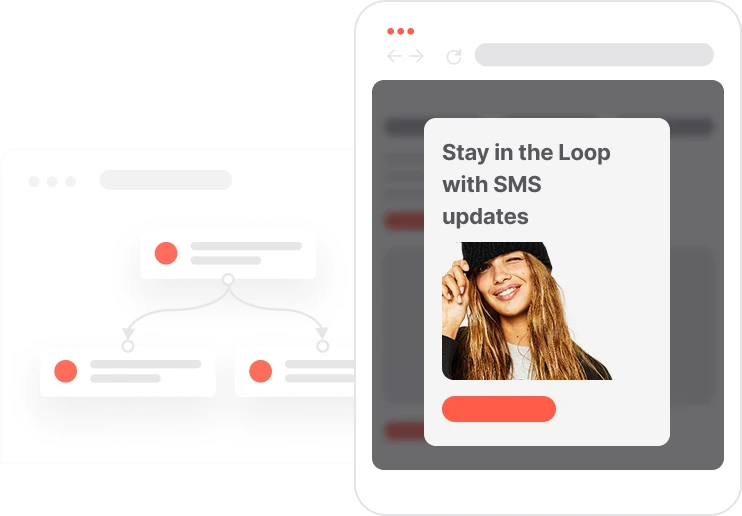
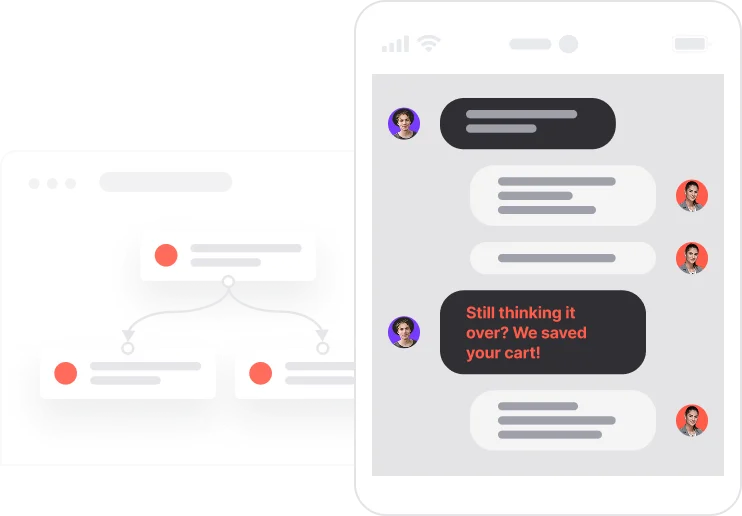
Automate SMS delivery based on user actions or specific conditions.

Push Notifications

Delivers personalized notifications to users of your website (webpush) or app (mobile push).

Landing Pages

Easily design and customize landing pages that convert visitors into leads, optimizing the journey from click to action.

Prérequis
Guide étape par étape
Rédigé par

Read the guide
Recommended data structure
Contacts
Contact attribute is a named data field that describes a specific property of a contact stored on its profile and used for segmentation, personalization, reporting, and automation.
Attribute name Attribute type
email (standard) string
Unsubscribed from emails (standard)boolean
Consent email (custom) boolean
Events
An event is a custom piece of information about something your user does.
Event name Event attributes
Newsletter subscription scenario (string)
Lead magnet sent scenario (string)
Capping pop-up
Pop-up submit name (string); email (string); phone number (string); consent SMS (boolean)
Exit intent URL (string)
Segments
Segments are dynamic groups generated based on predefined criteria, which update in real-time as user behaviors and attributes change.
Segment Name Segment definition
Capping pop-up Manage the marketing pressure of pop-up - for 3 days
No items found.
Join others who leveraged this use-Case
No items found.
Cheat Sheet
To bring your use-case to the next level check how you can use the following methods:
Set up your own domain for landing pages
Read more
If you don't want to use Google Tag Manager, you can implement the Exit intent event with User.com Data Collector
Read more

Discover the Perfect Use-Case for Your Company

Don't waste time on repetitive tasks. Let automations handle it.
Thank you! Your submission has been received!
Oops! Something went wrong while submitting the form.
You may also be interested in

Passez au niveau supérieur...

Ressources créatives telles que (HTML prêt à l'emploi)
Extraits de code
Modèles d'automatisation
Structure de données recommandée
Extraits de code
Aide-mémoire
Débloquez le cas d'utilisation complet

Discover the Perfect Use-Case for Your Company

Don't waste time on repetitive tasks. Let automations handle it.
Thank you! Your submission has been received!
Oops! Something went wrong while submitting the form.