

Omnichannel
Omnichannel
Thank you! Your submission has been received!
Oops! Something went wrong while submitting the form.

Lead Magnet Widget with WhatsApp Drip Nurture

Capture leads via an on-site widget and nurture them automatically through consent-based WhatsApp messaging.
Objectifs
Acquire more customers more efficiently
Nurture prospects
Improve deliverability and engagement
Secteurs
Thank you! Your submission has been received!
Oops! Something went wrong while submitting the form.
Balises
Thank you! Your submission has been received!
Oops! Something went wrong while submitting the form.
Thank you! Your submission has been received!
Oops! Something went wrong while submitting the form.
Thank you! Your submission has been received!
Oops! Something went wrong while submitting the form.
Thank you! Your submission has been received!
Oops! Something went wrong while submitting the form.
Thank you! Your submission has been received!
Oops! Something went wrong while submitting the form.
Thank you! Your submission has been received!
Oops! Something went wrong while submitting the form.

Descriptif

This use case enables efficient lead generation through a smart on-site widget that promotes a valuable lead magnet only to qualified visitors. By collecting WhatsApp consent at the point of conversion, brands can immediately start a high-engagement nurturing flow in a channel contacts actively use. The automated WhatsApp drip delivers value-driven content over several days, gradually guiding prospects toward deeper engagement. All interactions are fully trackable and aligned with Meta opt-in and messaging rules.

Effort d'implémentation

Impact sur un objectif

Assets

No items found.
Outcome
Higher volume of qualified leads
Increased engagement in post-conversion communication
More effective top-of-funnel nurturing

Scénario utilisateur détaillé

A visitor enters the website and, after a short delay, the system checks whether the contact already has an email address but no phone number. If the contact meets the criteria and is not part of the capping segment, a lead magnet widget is displayed. After submitting their WhatsApp number and consent, the contact receives the lead magnet and is enrolled in a time-based WhatsApp nurturing sequence. Each message is sent only if WhatsApp consent remains active, ensuring compliance and relevance.

Étape par étape

  • 1
    Contact visit and eligibility check: Ten seconds after the contact enters the website, the system verifies whether the contact has an email address, no phone number, and is not part of the Capping pop-up segment to prevent overexposure
  • 2
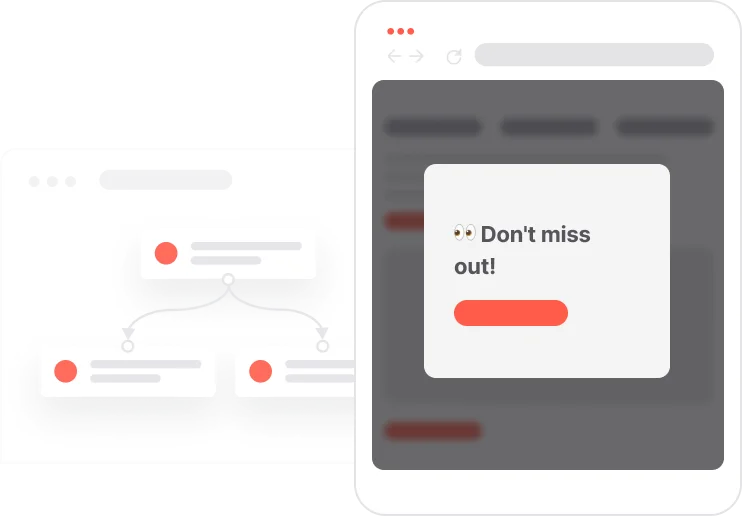
    Lead magnet widget display: If conditions are met, a widget appears offering a free resource such as “Get our free guide to [topic]”. The widget impression triggers an event and adds the contact to the Capping pop-up segment
  • 3
    Form expansion and WhatsApp consent collection: When the contact clicks the CTA, the widget expands to display a form with a required WhatsApp number field and a mandatory checkbox agreeing to receive WhatsApp updates. Upon submission, the Consent WhatsApp attribute is set to true
  • 4
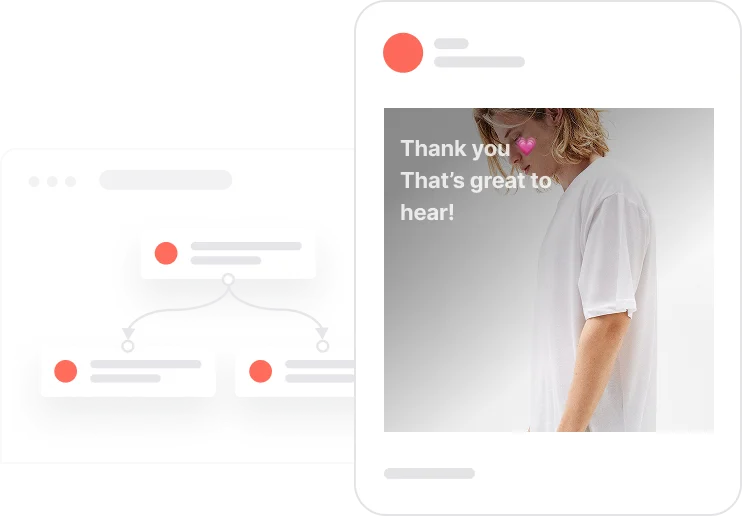
    Lead magnet delivery via WhatsApp: Immediately after form submission, the system sends the first WhatsApp message containing the lead magnet link and creates a WhatsApp subscription event with the appropriate scenario value
  • 5
    Automated WhatsApp drip nurturing: On Day 2, Day 4, and Day 7, the automation checks whether Consent WhatsApp is still true. If so, it sends consecutive messages including a quick tip, an invitation to content or product, and a soft CTA such as a demo or consultation
  • 6
    Tracking and orchestration control: All interactions are tracked through events and UTM parameters for consistent analytics. Capping and orchestration rules ensure the contact does not receive overlapping lead magnet or ebook campaigns

Detail user scenario

Step-by-step

  • 1
    Contact visit and eligibility check: Ten seconds after the contact enters the website, the system verifies whether the contact has an email address, no phone number, and is not part of the Capping pop-up segment to prevent overexposure
  • 2
    Lead magnet widget display: If conditions are met, a widget appears offering a free resource such as “Get our free guide to [topic]”. The widget impression triggers an event and adds the contact to the Capping pop-up segment
  • 3
    Form expansion and WhatsApp consent collection: When the contact clicks the CTA, the widget expands to display a form with a required WhatsApp number field and a mandatory checkbox agreeing to receive WhatsApp updates. Upon submission, the Consent WhatsApp attribute is set to true
  • 4
    Lead magnet delivery via WhatsApp: Immediately after form submission, the system sends the first WhatsApp message containing the lead magnet link and creates a WhatsApp subscription event with the appropriate scenario value
  • 5
    Automated WhatsApp drip nurturing: On Day 2, Day 4, and Day 7, the automation checks whether Consent WhatsApp is still true. If so, it sends consecutive messages including a quick tip, an invitation to content or product, and a soft CTA such as a demo or consultation
  • 6
    Tracking and orchestration control: All interactions are tracked through events and UTM parameters for consistent analytics. Capping and orchestration rules ensure the contact does not receive overlapping lead magnet or ebook campaigns

Comment le mettre en œuvre ?

La mise en œuvre de l'automatisation des cas d'utilisation implique plusieurs étapes et outils clés. Voici des ressources complètes pour vous aider à démarrer :

Modules d'occasion

Pop-Ups

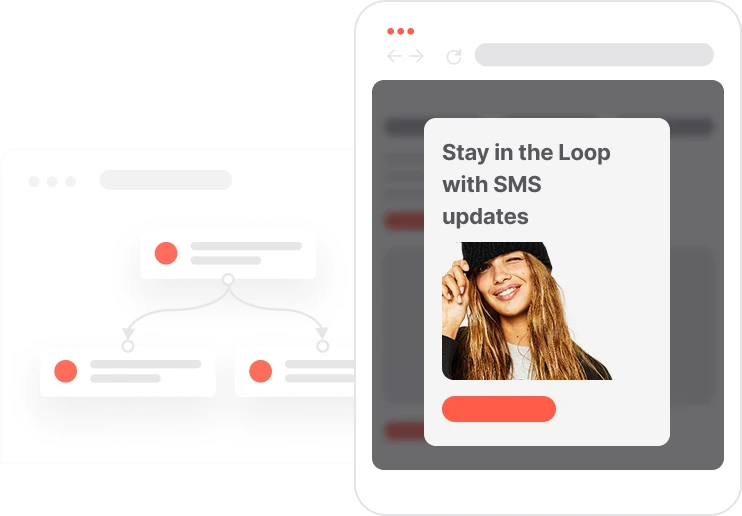
Collect information from your visitors and navigate them on the website.

SMS Messages

Automate SMS delivery based on user actions or specific conditions.

Push Notifications

Delivers personalized notifications to users of your website (webpush) or app (mobile push).

Landing Pages

Easily design and customize landing pages that convert visitors into leads, optimizing the journey from click to action.

Prérequis
Guide étape par étape
Rédigé par

Read the guide
Recommended data structure
Contact Attributes
Contact attribute is a named data field that describes a specific property of a contact stored on its profile and used for segmentation, personalization, reporting, and automation.
Attribute name Attribute type
email (standard) string
phone_number (standard) phone number
Consent WhatsApp (custom) boolean
Events
An event is a custom piece of information about something your contact does.
Event name Event attributes Event ocurrence
WhatsApp subscription (string) scenario Defines what is the source of the WhatsApp subscription
Capping pop-up
Segments
Segments are dynamic groups generated based on predefined criteria, which update in real-time as contacts behaviors and attributes change.
Segment name Segment definition
Capping pop-up Manage the marketing pressure of pop-up - for 3 days
No items found.
Join others who leveraged this use-Case
No items found.
Warning
Things to take into consideration when leveraging this use-case
Adjust the WhatsApp Messages content to your business and your clients' needs
Ensure WhatsApp messages comply with Meta opt-in and template rules
Read more
Check orchestration rules (avoid overlapping with other ebook or lead magnet offers)
Verify UTM tagging for analytics consistency, e.g.:
  • utm_source=widget_magnet&utm_medium=whatsapp
  • utm_source=widget_magnet&=email

Discover the Perfect Use-Case for Your Company

Don't waste time on repetitive tasks. Let automations handle it.
Thank you! Your submission has been received!
Oops! Something went wrong while submitting the form.
You may also be interested in

Passez au niveau supérieur...

Ressources créatives telles que (HTML prêt à l'emploi)
Extraits de code
Modèles d'automatisation
Structure de données recommandée
Extraits de code
Aide-mémoire
Débloquez le cas d'utilisation complet

Discover the Perfect Use-Case for Your Company

Don't waste time on repetitive tasks. Let automations handle it.
Thank you! Your submission has been received!
Oops! Something went wrong while submitting the form.