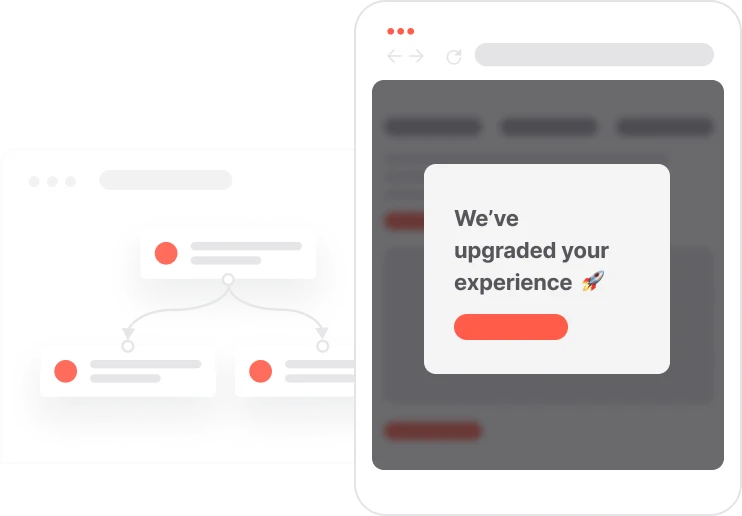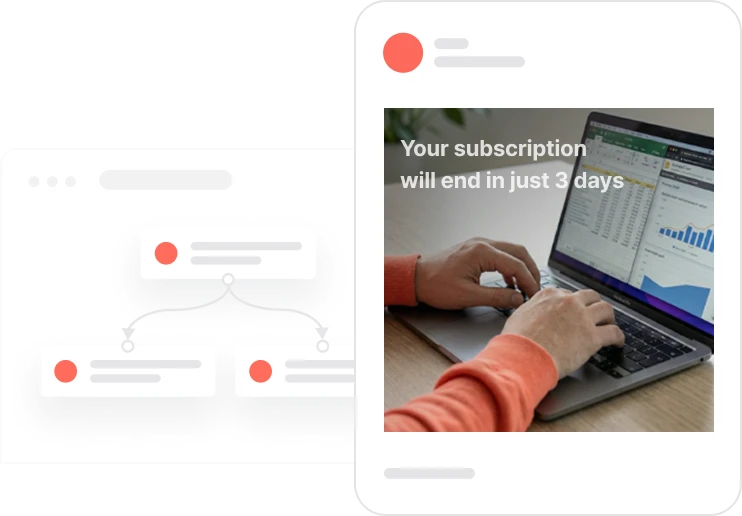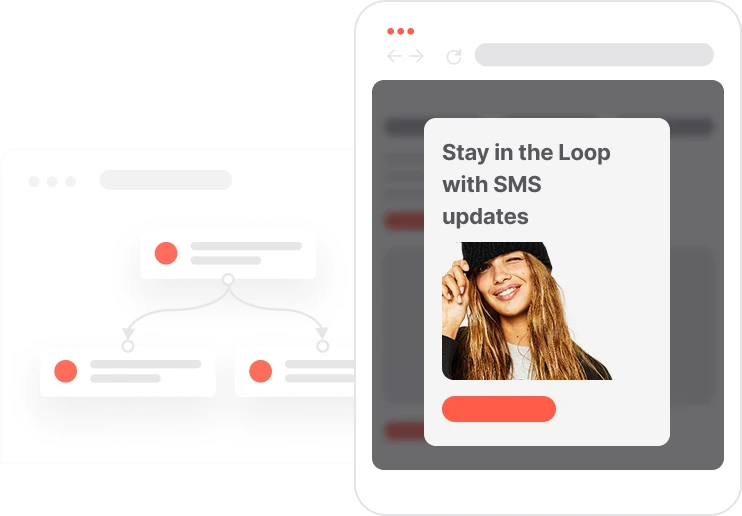









Email
Email
WhatsApp
WhatsApp
Web push
Web push
Thank you! Your submission has been received!
Oops! Something went wrong while submitting the form.

Site Visit Without Purchase Reactivation

Re-engage contacts who viewed products but didn’t convert using smart timing and multi-channel outreach
Goals
Improve conversion and sales
Improve deliverability and engagement
Manage leads and accelerate the sales funnel
Industries
Thank you! Your submission has been received!
Oops! Something went wrong while submitting the form.
Tags
Thank you! Your submission has been received!
Oops! Something went wrong while submitting the form.
Thank you! Your submission has been received!
Oops! Something went wrong while submitting the form.
Thank you! Your submission has been received!
Oops! Something went wrong while submitting the form.
Thank you! Your submission has been received!
Oops! Something went wrong while submitting the form.
Thank you! Your submission has been received!
Oops! Something went wrong while submitting the form.
Thank you! Your submission has been received!
Oops! Something went wrong while submitting the form.

Description

This use case targets contacts who viewed a product but did not add it to their cart or complete a purchase. After a short delay, the automation checks consent and sends the most appropriate reactivation message through email, WhatsApp, or web push. The email includes the global promotion banner and AI-generated product recommendations to increase the likelihood of conversion. If contacts still do not purchase after three days, the automation attempts a second reactivation through WhatsApp or web push, depending on available consents. This multi-channel approach ensures every contact receives timely, personalized nudges that help recover lost sales opportunities.

Implementation Effort

Impact on a goal

Assets

No items found.
Outcome
Increased product return visits and conversions
Higher engagement through timely multi-channel outreach
Reduced cart abandonment and missed purchase opportunities

Detail user scenario

When a contact views a product belonging to the “Products – With Assets” segment, the automation waits one hour to see whether they return or purchase independently. If the contact has not added items to the cart or purchased in the last 14 days, the system checks for email consent. If available, a personalized promotional email is sent. If not, the automation switches to WhatsApp or web push. The contact then enters the “Capping email” segment to avoid over-messaging. Three days later, if no purchase has been made, a second follow-up is sent through WhatsApp or web push to re-engage the contact. The use of global promotion variables allows marketing teams to update banners instantly across all communications.

Step-by-step

  • 1
    Product view trigger and initial delay: When a contact views a product from the “Products – With Assets” segment, the automation waits one hour to allow natural browsing without interruption
  • 2
    Eligibility and capping checks: The system checks whether the contact is already in the Capping email segment. If not, it verifies that the contact did not add the product to their cart and did not purchase in the last 14 days
  • 3
    Primary outreach via email or alternative channels: If Consent email = TRUE, the system sends an email containing the current promotion banner (global variables) and AI-powered product recommendations. It also creates the “Capping email” event and adds the contact to the Capping email segment. If email consent is missing, the system checks WhatsApp consent first, then web push subscription as fallback
  • 4
    Waiting period and purchase verification: After a three-day delay, the system checks whether the contact completed a purchase. Only contacts who remain inactive qualify for the second reactivation touchpoint
  • 5
    Secondary reactivation attempt: If WhatsApp consent = TRUE, the contact receives a WhatsApp follow-up. If not, and the contact has a valid web push subscription, a web push notification is sent instead, ensuring every eligible contact receives at least one reminder

Detail user scenario

Step-by-step

  • 1
    Product view trigger and initial delay: When a contact views a product from the “Products – With Assets” segment, the automation waits one hour to allow natural browsing without interruption
  • 2
    Eligibility and capping checks: The system checks whether the contact is already in the Capping email segment. If not, it verifies that the contact did not add the product to their cart and did not purchase in the last 14 days
  • 3
    Primary outreach via email or alternative channels: If Consent email = TRUE, the system sends an email containing the current promotion banner (global variables) and AI-powered product recommendations. It also creates the “Capping email” event and adds the contact to the Capping email segment. If email consent is missing, the system checks WhatsApp consent first, then web push subscription as fallback
  • 4
    Waiting period and purchase verification: After a three-day delay, the system checks whether the contact completed a purchase. Only contacts who remain inactive qualify for the second reactivation touchpoint
  • 5
    Secondary reactivation attempt: If WhatsApp consent = TRUE, the contact receives a WhatsApp follow-up. If not, and the contact has a valid web push subscription, a web push notification is sent instead, ensuring every eligible contact receives at least one reminder

How to implement it?

Implementing use case automation involves several key steps and tools. Here's a comprehensive ressources to get you started:

Used Modules

Pop-Ups

Collect information from your visitors and navigate them on the website.

SMS Messages

Automate SMS delivery based on user actions or specific conditions.

Push Notifications

Delivers personalized notifications to users of your website (webpush) or app (mobile push).

Landing Pages

Easily design and customize landing pages that convert visitors into leads, optimizing the journey from click to action.

Prerequisities
Step by Step Guide
Written by

Read the guide
Recommended data structure
Contact Attributes
Contact attribute is a named data field that describes a specific property of a contact stored on its profile and used for segmentation, personalization, reporting, and automation.
Attribute name Attribute type
email (standard) string
Web push subscription (standard) boolean
Consent email (custom) boolean
Consent WhatsApp (custom) boolean
Events
An event is a custom piece of information about something your contact does.
Event name Event attributes
Capping email
Product Attributes
A product attribute is a data field describing a property of a product, such as price, size, or color. It is stored on the product profile and can be used for segmentation, personalization, reporting, and automation.
Attribute name Attribute type
Name (standard) string
Product URL (standard) string
Image URL (standard) string
Product Events
A product event is information about a contact’s interaction with a specific product, such as a view, cart addition, or purchase.
Product Event name Customer path
View visits the product page
Add to cart added the product to the cart
Purchase order completed with the product
Segments
Segments are dynamic groups generated based on predefined criteria, which update in real-time as contacts behaviors and attributes change.
Segment name Segment definition
Capping email Manage the marketing pressure of email - for 7 days
Products - With Assets Image URL AND Product URL have any value
Global Variables
Global Variable works like a Dynamic Content that you create. They allow you to simultaneously change content of your communication to suit your Business needs.
Global variable name Global variable type
Current promotion banner image link string
Current promotion banner alt string
Current promotion banner link string
No items found.
Join others who leveraged this use-Case
No items found.
Warning
Things to take into consideration when leveraging this use-case
Adjust the product segment "Products - With Assets" accordingly to what you want to recommend for the users. In this use case, this segment means that the recommended products will have an image and a URL link
Adjust the copy and links in the WhatsApp campaign

Discover the Perfect Use-Case for Your Company

Don't waste time on repetitive tasks. Let automations handle it.
Thank you! Your submission has been received!
Oops! Something went wrong while submitting the form.
You may also be interested in

Take it on the next level...

Creative Assets like (ready HTML)
Code Snippets
Automation templates
Recommended Data Structure
Code Snippets
Cheat Sheet
Unlock the full Use-Case

Discover the Perfect Use-Case for Your Company

Don't waste time on repetitive tasks. Let automations handle it.
Thank you! Your submission has been received!
Oops! Something went wrong while submitting the form.